Licencing and activation

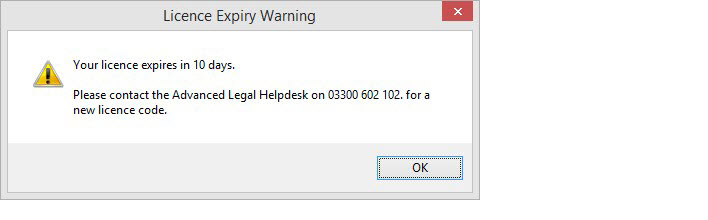
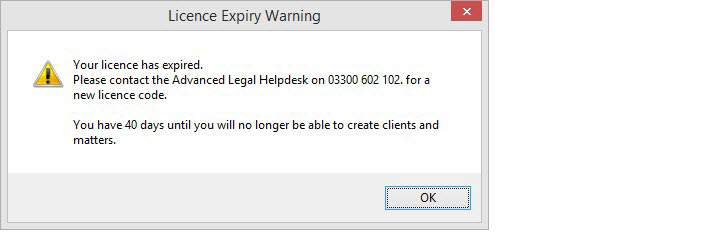
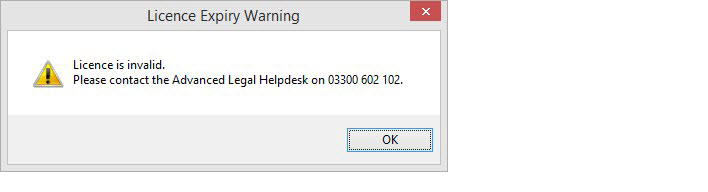
Caution For sites running ALB 1.19.0 and above a valid, current licence is required to enable full functionality.

To add a licence:

  1. Go to Utilities » Licensing and Users, expand the Annual Licence folder and right-click on Annual Key in the right-hand pane.
  2. When the Add New License dialog box opens, read the Terms and Conditions. Once you have done this, tick I have read the terms and conditions above to confirm you agree to them and click Next to display the second screen to enter the licence key.
  3. Enter the key in the blocks as received from Advanced. If this is via an email, it is possible to copy and paste a block at a time from the email into the dialog box. Once you have entered a valid license key, click Finish. A message displays confirming the licence has been successfully added and showing the new expiry date.
Notes
  • If you enter an invalid key, the Finish button will not become active.
  • For sites upgrading from versions prior to 1.19.0, the expiry date will display as 01/07/2012 which indicates the expiry option is switched off.
  • In the Licensing and Users screen, the Annual Key will display the licence expiry date which you can check back on at any time.

Rules